January 1, 2026
Webflow vs HubSpot: What Building on Both Has Taught Us
Webflow or HubSpot CMS? As HubSpot Platinum and Webflow Premium Partners, N4 has built on both. An honest look at where each wins and how they work together.

Summary
Having built on both, we rarely see this as an either/or choice: HubSpot is where your customer relationships live, and Webflow is where your website does its best work.
- Choose Webflow for the website when marketing needs to design, publish, test and personalize pages without waiting on developers.
- Choose HubSpot CMS when a small team wants simple pages, one vendor and one login beside the CRM it already runs.
- HubSpot CMS keeps everything under one roof, but custom design and structural changes tend to queue behind developers.
For most growing marketing teams, Webflow on the front and HubSpot behind it is the stronger setup, and the two are now more tightly connected than ever.
Note: This is not a feature-by-feature comparison. There are plenty of those already around the web. It is a human view, drawn from the many teams we have worked with and spoken to over the past ten years.
"We already run HubSpot. Should the website live there too?" It is one of the questions we hear most, and the instinct behind it is sound. One platform, one login, one bill and one place for your data is an appealing idea. So is a website that marketing can genuinely own.
We sit on both sides of this question. N4 is a HubSpot Platinum Partner, and we recommend HubSpot as a CRM without hesitation. We are also a Webflow Premium Partner, and we have migrated multiple clients from HubSpot CMS to Webflow, most recently Serko. Most of the sites we build today run on Webflow and connect to HubSpot behind the scenes. What follows is what that work has taught us.
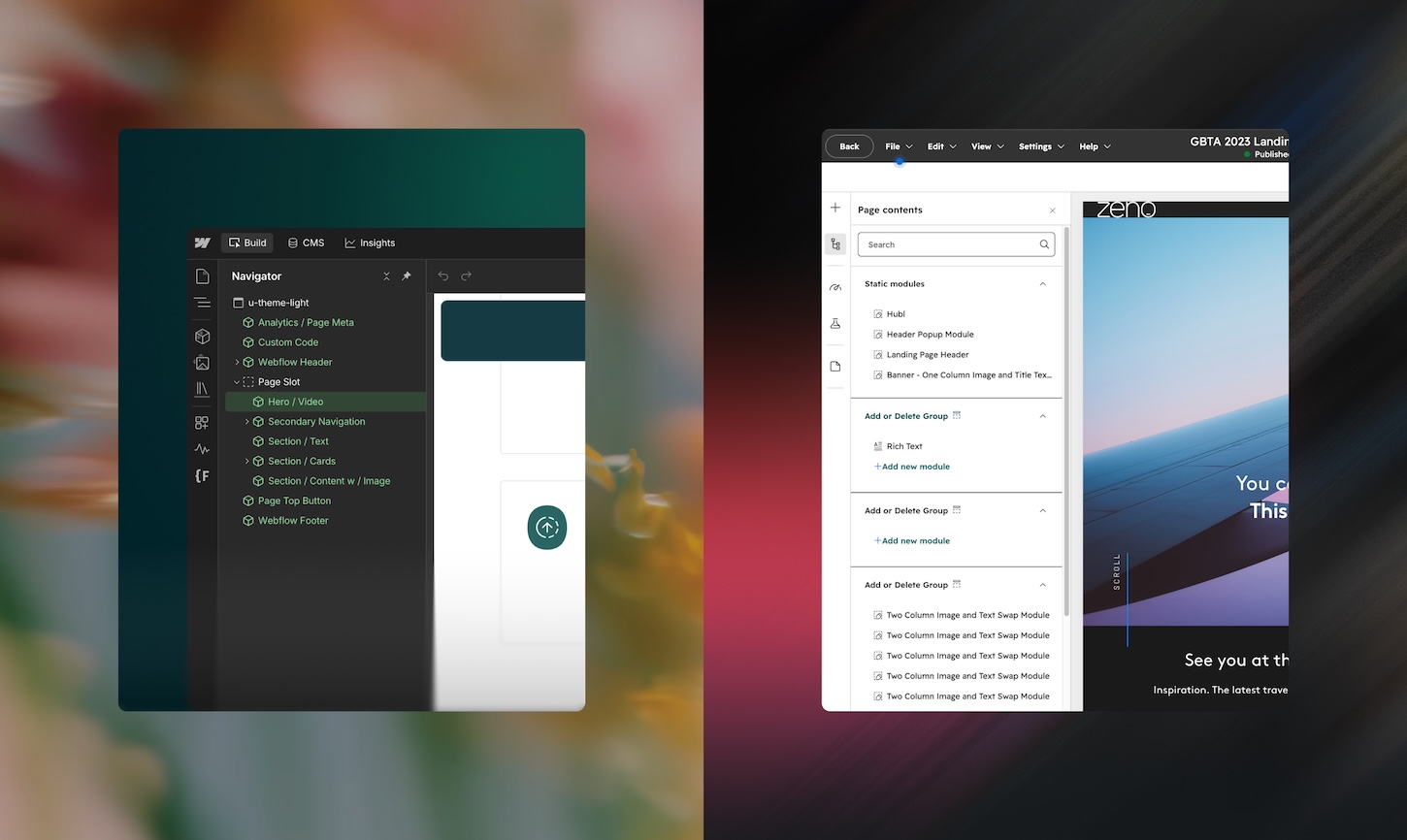
What HubSpot does well
HubSpot is one of the best CRMs a growing business can choose, and that is where its real strength lies. Contacts, companies, deals, email, automation, sales pipelines and service tickets all share one database. A form fill can trigger a nurture sequence, update a lead score and alert a salesperson within minutes, with no glue code in between.
For marketing and sales alignment, that shared record is hard to beat. Sales can see which pages a prospect read before a call. Marketing can report on which campaigns created pipeline, not just traffic. The reporting is approachable, the ecosystem is huge, and teams tend to adopt it quickly.
HubSpot's CMS, now part of Content Hub, inherits those advantages. Pages sit next to the CRM, so smart content and form handling work out of the box. For simple landing pages built from existing templates, it is quick and familiar.
The CMS was built to serve the CRM, not the other way round. That is not a flaw. It is the model, and it explains most of the trade-offs that follow.
Where HubSpot CMS asks more of your team
The gap shows up the moment a site needs to go beyond its templates. HubSpot's drag-and-drop editor handles simple pages well. Custom design, complex component systems and considered interactions are a different matter. They need HubSpot developers working in its own templating language, and that talent pool is small.
In practice, a new page layout becomes a ticket. A change to the navigation becomes a ticket. Dynamic content often sits in modules and settings that editors are wary of touching. Marketing ends up dependent on developers for work that should be self-service.
It generally takes five to seven times longer to develop a website on HubSpot than on Webflow, which results in some eye-watering development invoices (trust me, I know from sending them!).

Webflow closes that gap by design. Its visual canvas produces clean, production-ready code, so the distance between a design decision and a live page is short. Projects that take months on HubSpot CMS usually take weeks on Webflow.
Autonomy, with guardrails
The real test of a CMS is who can ship a page on a Tuesday afternoon. On Webflow, we build a component library around the brand: sections, cards, forms and layouts that marketers assemble without touching the underlying design. Editors update content on the page itself. Designers can work in the same project at the same time, with page branching, staging and role-based permissions keeping the live site safe.
The result is freedom that does not erode the brand. Marketing can launch a campaign page the same day, and it still looks like it came from the same hand as the homepage.
When we moved Serko from HubSpot CMS to Webflow, page changes became 13 times faster. That is less about speed for its own sake and more about a team that can act on an opportunity while it still matters.
Better together: Webflow on the front, HubSpot behind it
Choosing Webflow for the website does not mean giving up anything HubSpot does well. The two platforms are connected by a native integration, so the CRM keeps doing its job while the site does its own.
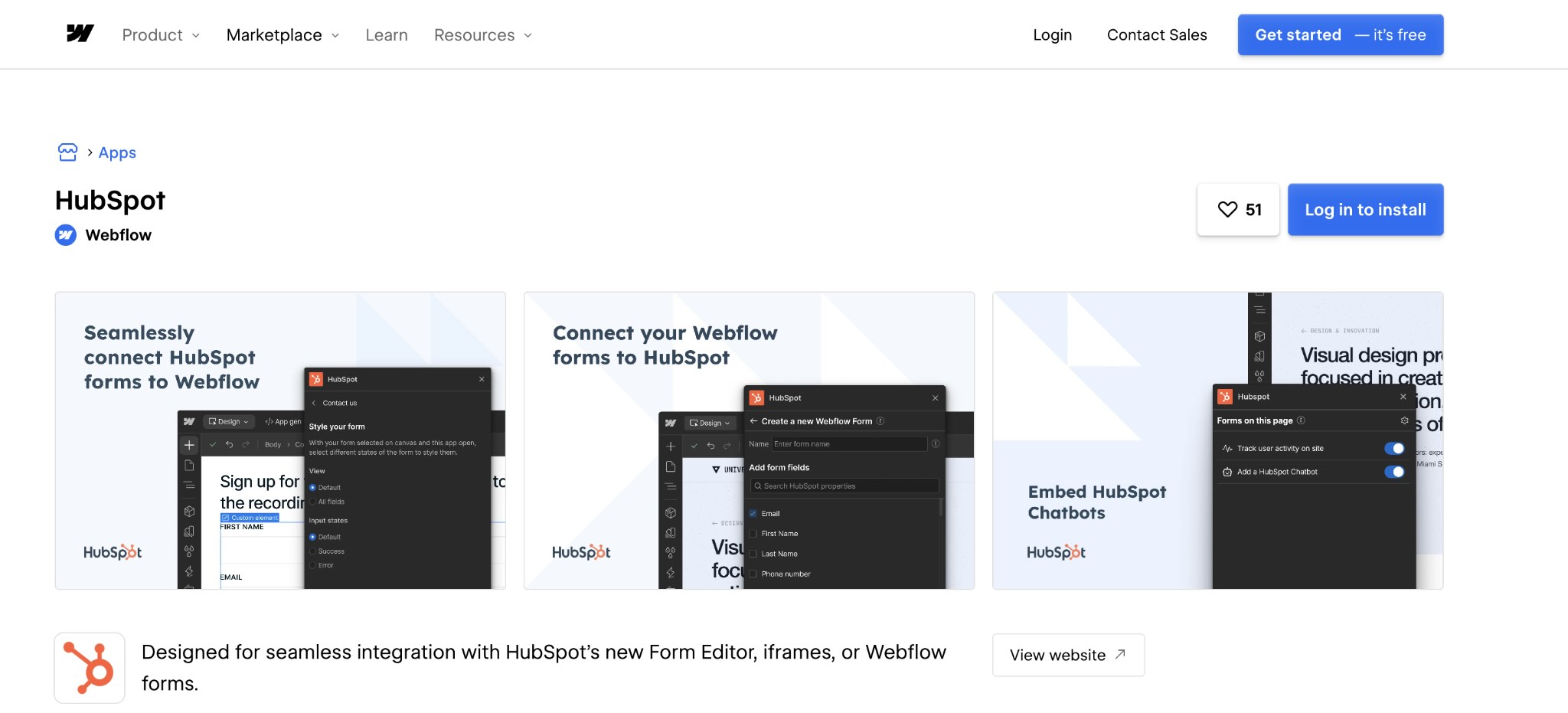
In a typical N4 build, that connection covers:
- Forms: Webflow form submissions flow straight into HubSpot as contacts, or HubSpot forms sit natively on Webflow pages.
- Tracking: the HubSpot tracking code runs across the site, so page views and visitor history appear on each contact record.
- Analytics and attribution: marketing keeps HubSpot's campaign and attribution reporting, with the website as a first-class source.
- Workflows: every lead from the site enters the same nurture sequences, scoring and sales handoffs you already rely on.
Sales sees the same signals it always has. Marketing gains a website it can actually run. Nobody has to change how they work in HubSpot.
Webflow Optimize and HubSpot: a website that knows who it is talking to
This is where the pairing goes from convenient to genuinely powerful. Webflow Optimize connects directly to HubSpot and pulls in contact, company and deal properties. Those properties become audiences for personalisation and testing.
That means the site can respond to what your CRM already knows:
- Active customers see product updates and expansion offers, not the pitch they have already bought.
- Second-time visitors see the next step in their journey, not the introduction again.
- Prospects with an open deal see proof points and case studies that match their industry and stage.
- Target accounts see pages tailored to them, right down to one-to-one account-based marketing.
The data flows back the other way too. HubSpot form submissions count as conversion goals, and results can be filtered by HubSpot properties, including deal activity. So you can see which variation moved real pipeline, not just which one earned more clicks. That is true ROI reporting for the website, and for most marketing teams it is a superpower they have never had.
We already use Optimize this way. On Serko.ai, one site adapts by location, offering sign-up to US travellers and a waitlist to the rest of the world.
Most websites still treat every visitor like a stranger. Once Optimize can see HubSpot data, a customer, an open deal and a first-time visitor each get the page that fits them. Then we can show which version actually moved revenue.

The quiet cost of a CMS built for something else
The true cost of a website shows up in year two, not at launch. On HubSpot CMS, every structural change carries a developer bill, and specialist HubSpot developers are expensive and hard to find. Over time, small workarounds pile up and the site drifts away from the brand it launched with.
Licensing adds to it. Content Hub is priced as part of a wider marketing suite, and enterprise tiers bundle features that many teams never use. If the CRM is what you value most, you can keep paying for that and stop paying for a CMS that is holding the website back.
Webflow brings hosting, CDN, security, CMS, SEO tooling, analytics and optimisation into one platform. Paired with HubSpot for the CRM, most clients end up with fewer developer hours, a cleaner stack and a website that gets better each year rather than more fragile.
When HubSpot CMS is the right call
We would rather recommend the right tool than the one we happen to build with most. HubSpot CMS is often the better fit when:
- The team is small, the site is simple, and existing templates cover what it needs.
- One vendor, one login and one contract matter more than design freedom.
- The website mainly hosts landing pages, a blog and gated content for HubSpot campaigns.
- There is no in-house or agency design capability to make use of a custom build.
As a HubSpot Platinum Partner, we help clients get far more from HubSpot itself: CRM setup, pipelines, automation, reporting and integrations. Some of those clients are well served keeping their pages in Content Hub. Others reach the point where the website needs to do more than the CMS allows, and that is usually when they move to Webflow while keeping HubSpot exactly where it is.
We never ask clients to choose between their CRM and their website. HubSpot is often the right home for customer data, and we will happily say so. The question is whether the CMS is helping the website grow or quietly holding it back.

How we approach the decision at N4
We start with what the website is for, not which platform to put it on. Who are the audiences? What should each one do next? How often will the team need to launch, test and change pages? What does sales need from the site, and what does the CRM already know?
The answers usually point clearly in one direction. When the website is a growth engine that marketing needs to own, we recommend Webflow for the site and HubSpot for the CRM, joined by the native integration and Optimize. When the site is simple and lives mainly to serve HubSpot campaigns, we will tell you to stay put and help you get more from what you have.
Either way, the strategy, content and design thinking comes first. The platform choice follows.
Frequently asked questions
What is the main difference between Webflow and HubSpot CMS?
HubSpot is a CRM and marketing platform with a CMS attached. Webflow is a website platform built for design, publishing and optimisation. Many teams use both: Webflow for the site, HubSpot for customer data.
Can I use Webflow with HubSpot?
Yes. The native integration connects forms, tracking and analytics, so leads from Webflow land in HubSpot and follow your existing workflows. With Webflow Optimize, HubSpot data can also personalize the site.
Can our marketing team manage the site themselves in Webflow?
Yes. We build a component system around your brand, so marketers can create and edit pages without developers while the design stays consistent.
How hard is it to migrate from HubSpot CMS to Webflow?
It is a well-trodden path for us. We rebuild templates as Webflow components, move content and redirects, and keep HubSpot connected throughout, so tracking and lead flow are uninterrupted.
Which is better for SEO and AEO?
Both cover the basics, but Webflow gives finer control over schema, canonicals, hreflang and clean semantic code, and Webflow Analyze shows referral traffic from AI answer engines.
Choosing with clarity
Neither tool is wrong in general. HubSpot is an excellent CRM, and we recommend it often. Webflow is the stronger home for a website that marketing needs to run, test and personalize. For most of our clients, the best answer is both, working as one system.
If you are weighing up your website platform, or wondering how to get more from HubSpot, we would be glad to talk it through.

Related

News
Aug 2026
N4 x Wispr Flow: Rethinking How People Write
N4 x Wispr Flow: Rethinking How People WriteLaunch a website your audience will love - at speed.